

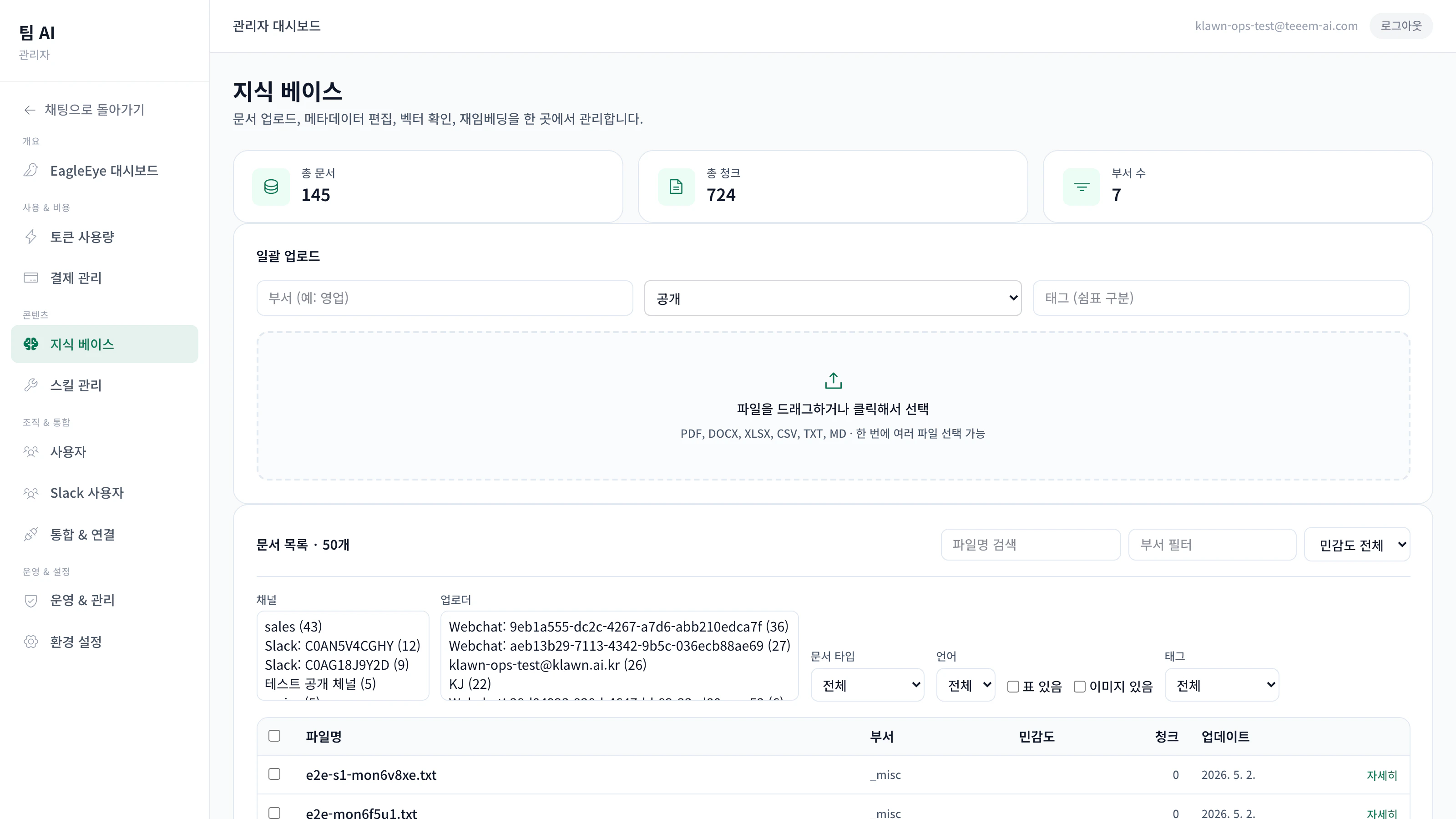
The Knowledge Base (KB) is a permanent store for your company’s documents. The agent draws from it when answering questions and shows the source. It’s not just embedding search — it has three-tier deduplication, version control, and sensitivity classification built in.Documentation Index
Fetch the complete documentation index at: https://docs.teeem-ai.com/llms.txt
Use this file to discover all available pages before exploring further.
Concepts at a glance
Two sensitivity tiers
Public — available to everyone in the org
Private — channel-scoped ACL, only authorised members
Three-tier dedup
Identical files are detected and skipped. Less indexing cost, less search noise.
Version chain
Newer versions soft-delete older ones; the change history is preserved.
Persistent citations
Sources used in an answer are written to a permanent message for audit purposes.
How to upload
- Web chat
- Slack
- Admin console
- API
Drag and drop files onto the chat input. The progress bar at the top of the chat shows status.
Sensitivity tiers
Sensitivity is auto-classified on upload and can be changed by an admin.| Tier | Who can search and cite |
|---|---|
| public | Everyone in the organisation |
| private | Only members of the relevant channel/team (ACL-based) |
sensitivity_history so you can audit who changed what, when, and why.
Three-tier deduplication
Avoid indexing the same content twice.Tier 1 — hash match
SHA256 of the file bytes plus a normalised text fingerprint. Identical content is skipped immediately.
Tier 2 — normalised fingerprint
A fingerprint over text with whitespace, line breaks, and page numbers stripped. Catches the same content shipped as a different format (e.g. PDF and DOCX of the same memo).
Version control
Upload a new version of an existing document (e.g.policy.pdf → policy_v2.pdf) and the previous version is soft-deleted, replaced by the new one. Chunks from the old version are removed transactionally so they don’t surface in search.
supersede_reason— captures why a document was superseded (e.g. “policy revision”)getDocumentVersionChain— admins can pull the full chronological version history- Version history panel — clicking a document shows previous versions, supersession reasons, and authors
Search and citations
When generating an answer, the KB runs:- BM25 keyword search (Korean particle-stripping tokenizer)
- Vector semantic search (LanceDB)
- Reciprocal Rank Fusion to combine the two
- Re-ranking (optional, accuracy-first scenarios)
How citations show up
- Slack — a context block with source cards beneath the answer
- Web chat — citation cards alongside the answer (filename click previews the file)
- Principle — citations are persistent messages, not inline footnotes — they’re easier to audit and harder to lose to edits