

The web chat is a browser channel that needs no installation. Each organisation gets its own subdomain (Documentation Index
Fetch the complete documentation index at: https://docs.teeem-ai.com/llms.txt
Use this file to discover all available pages before exploring further.
{org}-admin.teeem-ai.com) automatically.
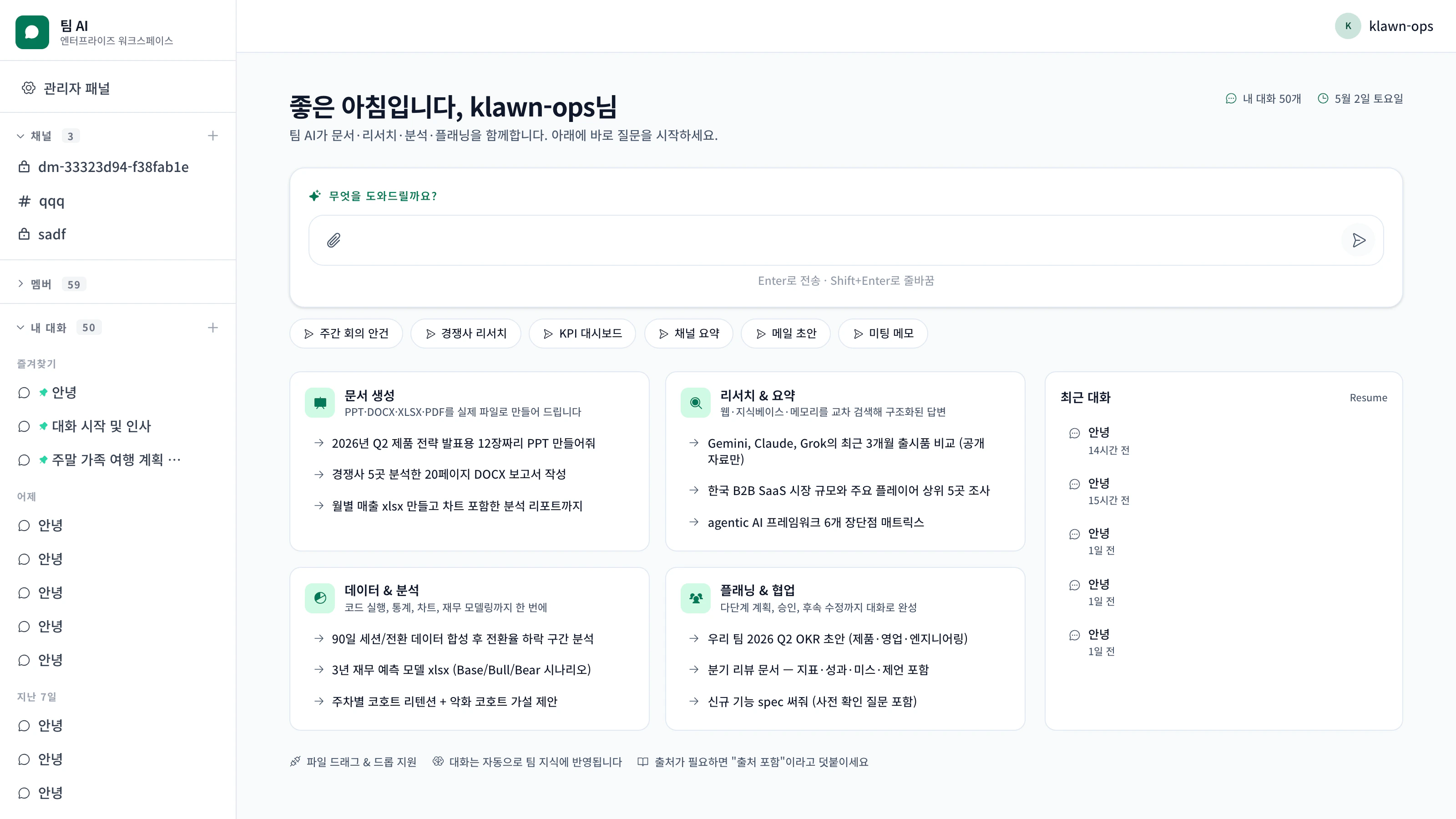
Highlights
Real-time streaming
SSE token streaming, Markdown rendering, code highlighting.
Drag-and-drop files
Drop Excel, PDFs, images, even video into the input. Inline previews.
Channel isolation
Department / team / personal channels each carry their own working memory.
Voice input
Korean STT for quick capture during meetings.
OAuth in the chat
A “Connect Google” button opens a popup, then Gmail / Drive / Calendar tools work immediately.
Command palette
Cmd+K (Mac) / Ctrl+K (Windows) for fast search and commands.First use
Sign in (or sign up)
If your organisation has SSO turned on, the SAML/OIDC button appears. Otherwise sign up with email.
The first person to sign up gets enterprise_admin. Subsequent signups default to user and can be promoted by an admin.
Linking personal Google / Microsoft 365
When the agent needs access to your personal data, it works like this:- The agent tries a personal tool such as
my_gmail_readormy_google_drive - With no token on file, it emits an
oauth_linkevent and renders an OAuthLinkCard - Click Connect → a popup walks you through Google or Microsoft auth
- Tokens are stored securely and reused on subsequent calls
| Provider | Scopes |
|---|---|
| Drive, Gmail (read + send), Calendar (read/write/Meet), YouTube (read/upload) | |
| Microsoft 365 | OneDrive, Outlook, Teams, Calendar |