

The admin console lives atDocumentation Index
Fetch the complete documentation index at: https://docs.teeem-ai.com/llms.txt
Use this file to discover all available pages before exploring further.
https://{your-org}-admin.teeem-ai.com. You need enterprise_admin or team_admin to access it.
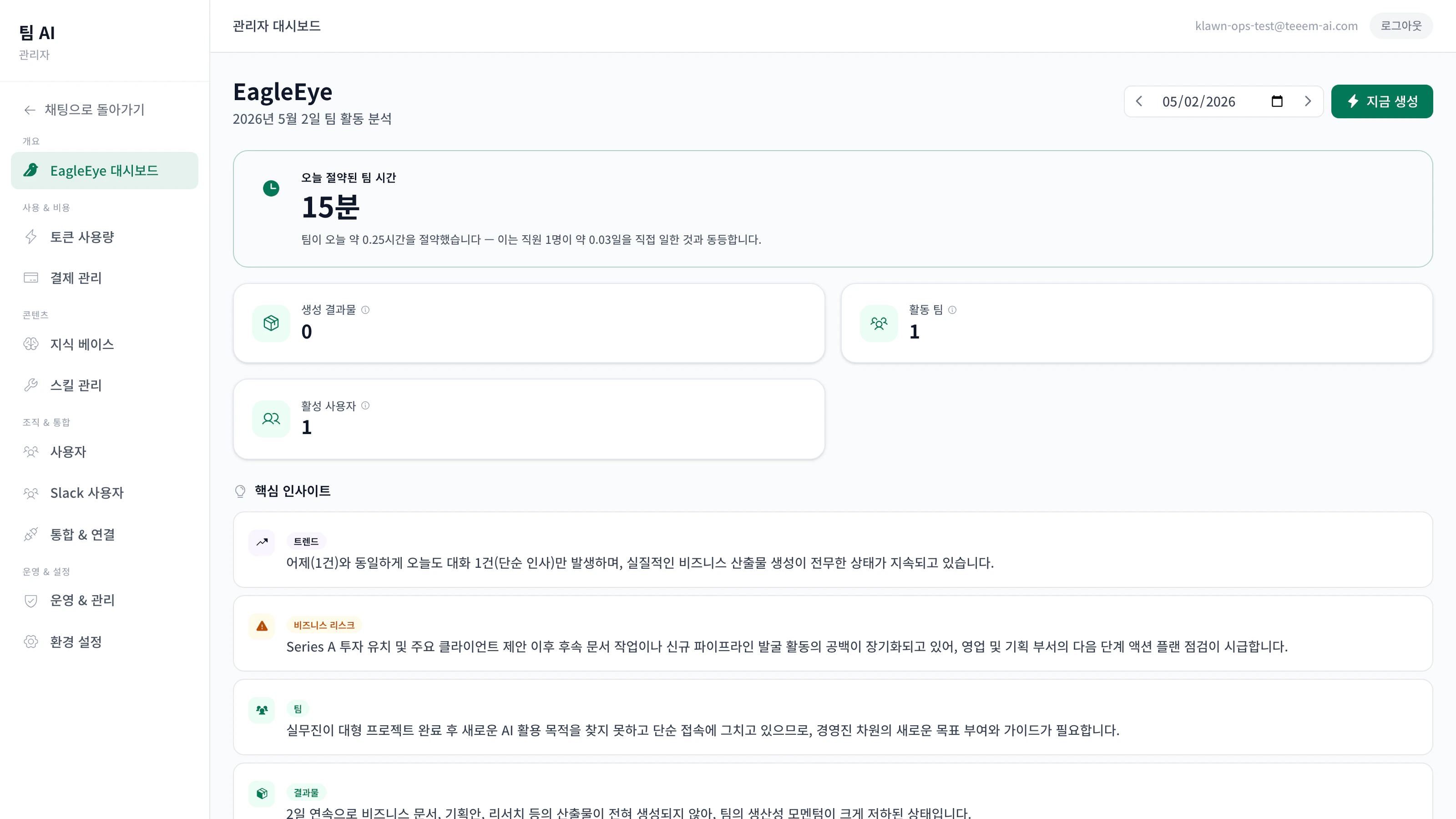
Menu
Dashboard
Channel status, active sessions, security summary, recent activity at a glance.
Users
Invite, role assignment, revocation, SSO sync status.
Agents
Agent definitions, skill additions, tool activation (Agent Builder).
Knowledge Base
Document upload, sensitivity changes, version history, search performance.
Channels
Slack/Teams/Kakao/SMS connection status, policies, token rotation.
Connectors
Google, MS365, Notion, ERP, e-commerce, and more — all configured here.
Apps
Enable / disable / manage app packs (CRUD, dashboards).
Billing
Token usage, KRW cost, per-model breakdown, daily/monthly trend.
Audit log
Tamper-evident activity log + hash-chain integrity verification.
Settings
Org name, language, token limits, security policies, webhook token rotation.
SSO
SAML 2.0 / OIDC provider registration and verification.
Compliance
Export AI Basic Act + PIPA evidence packages in one click.
User management
Invite
Users → Invite new user → email, role, send. The invitee uses the link to set a password. The first signup in a new organisation gets enterprise_admin; subsequent signups default to user.Role assignment
| Role | Key permissions |
|---|---|
enterprise_admin | All settings, user management, compliance export |
team_admin | Team-level user / channel / app management |
power_user | All tools, partial settings view |
user | Chat, manage own OAuth links |
viewer | Read-only (dashboard) |
SSO auto-sync
With SSO enabled, users and groups provision automatically. Disabling a user in your IdP revokes access in Teeem AI immediately.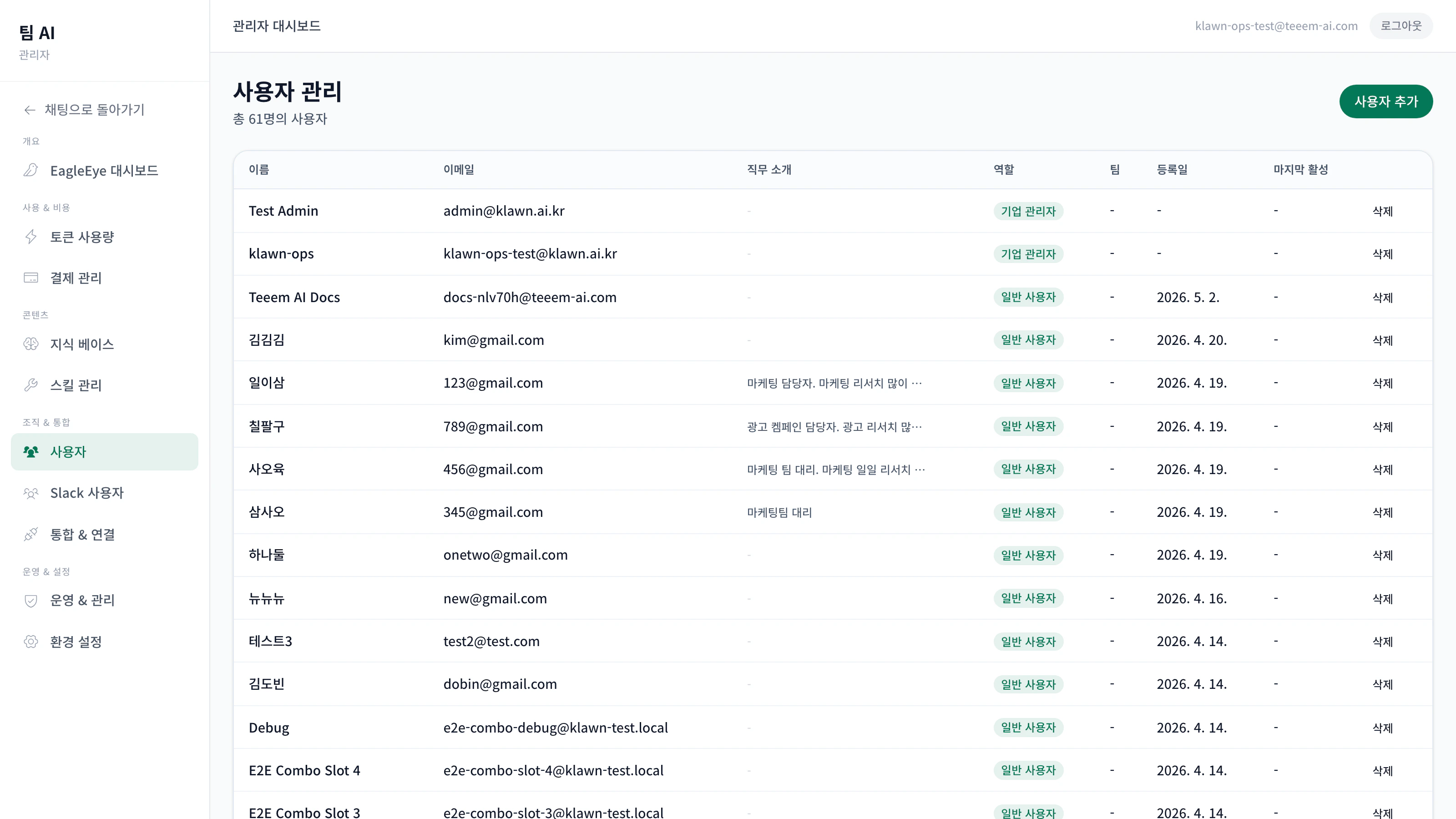
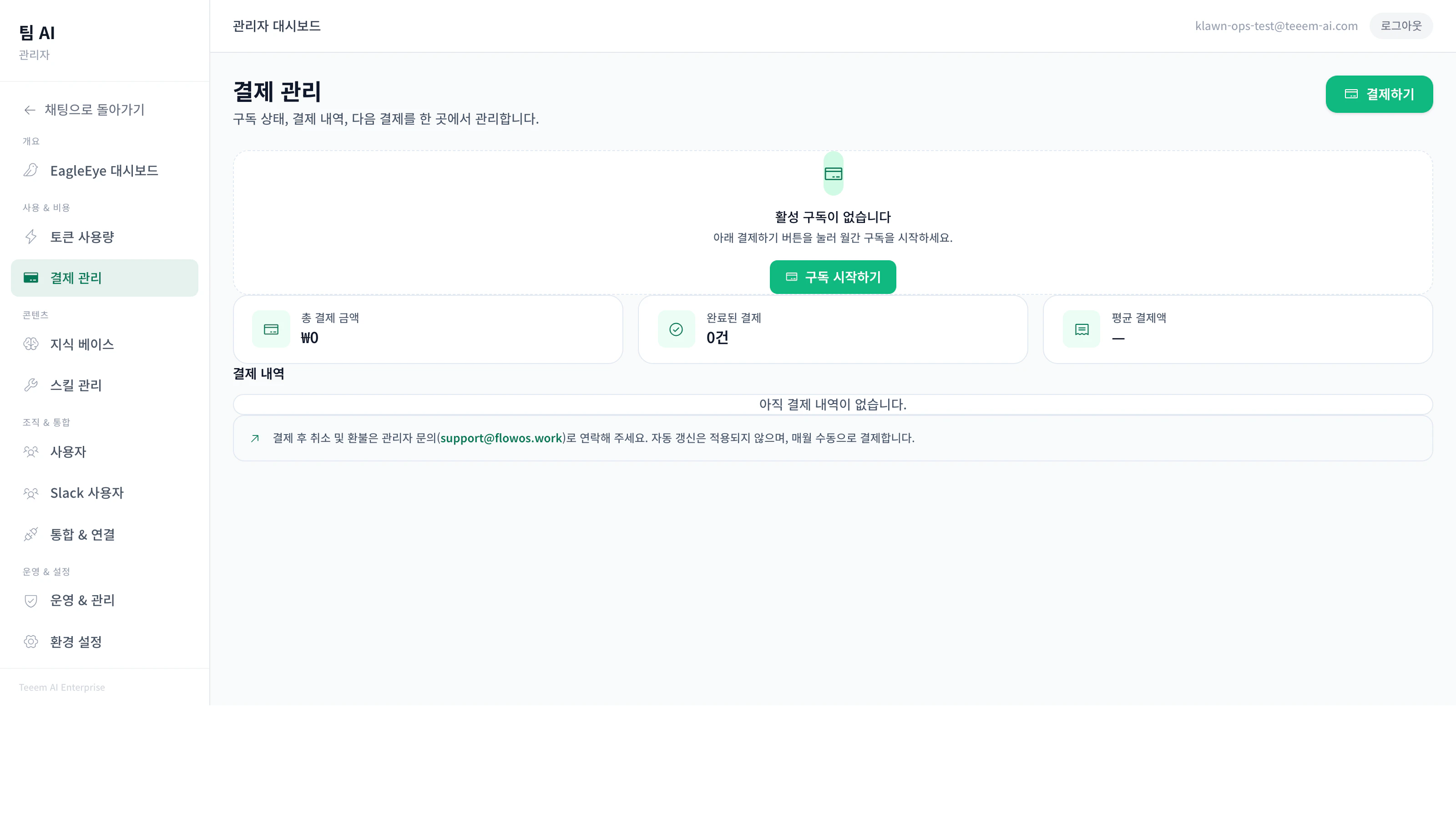
Billing & usage
Real-time token usage and KRW cost./admin/billing/usage— daily/monthly tokens (input/output split)/admin/billing/breakdown— per-model, per-channel, per-user- Limits — daily and per-user token caps; over-quota requests are blocked
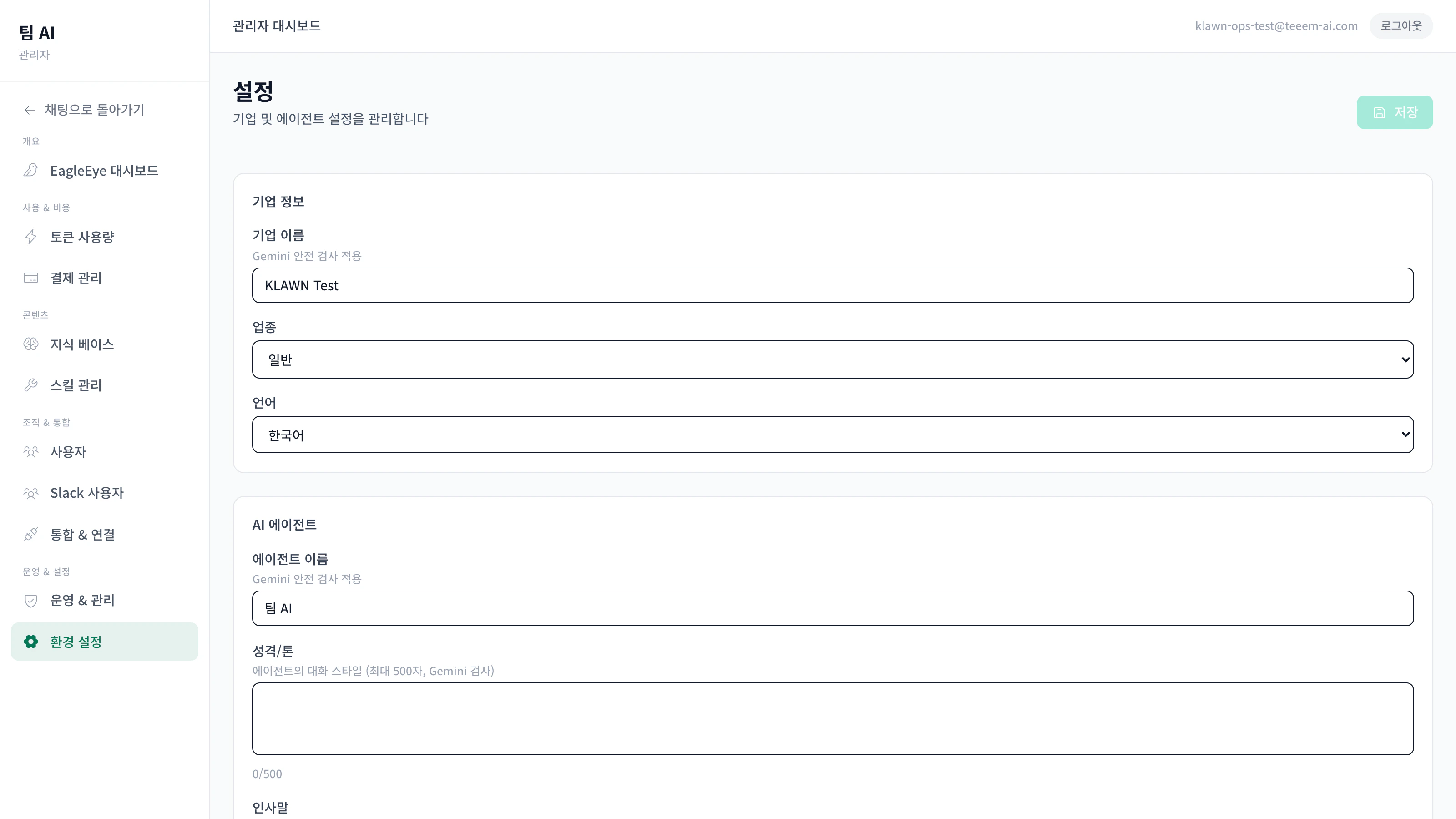
Settings — what’s editable
A clear split between what the org admin can change and what’s locked for safety.| Editable | Locked (contact ops) |
|---|---|
| Org name, industry, language | LLM model / provider |
| Agent name / persona / greeting | Security core (PII, RBAC, SSO) |
| Daily / per-user token limits | Infrastructure (CPU, memory, instance size) |
| Slack policies (mention/open/allowlist) | API keys, secrets |
| Web chat sign-up allowed | Tool execution policy |
| Per-channel file uploads | Data retention period |
Using the audit log
- Search — free-text search (Korean tokenizer)
- Integrity verification — one-click hash-chain check confirms no tampering
- Export — JSONL or CSV (for audit / legal teams)
Security audit tools
The Security tab shows the current PASS/WARN/FAIL state for the 18 automated security checks the system runs. A CLI is available too:Recommended monthly checklist
Where to get help
- Operations playbook: refer to the operations manual provided by your sales / onboarding contact
- Technical support: official@flowos.work